Solarsystem
Willkommen zur offiziellen Dokumentation und Informationsseite der 3D-Sonnensystem-Simulation.
Über das Programm – Das Sonnensystem in 3D
Tauchen Sie ein in eine faszinierende, dreidimensionale Darstellung unseres Sonnensystems, die wissenschaftliche Präzision mit einem beeindruckenden visuellen Erlebnis verbindet. Das Programm eignet sich gleichermaßen für ernsthaft an Astronomie Interessierte wie für alle Menschen, die unser Sonnensystem und darüber hinaus hautnah und dreidimensional erleben möchten. Es wurde entwickelt, um die Weiten des Weltraums direkt auf Ihren PC zu bringen – flüssig, interaktiv und detailgetreu.
Astronomische Präzision & visuelles Erleben
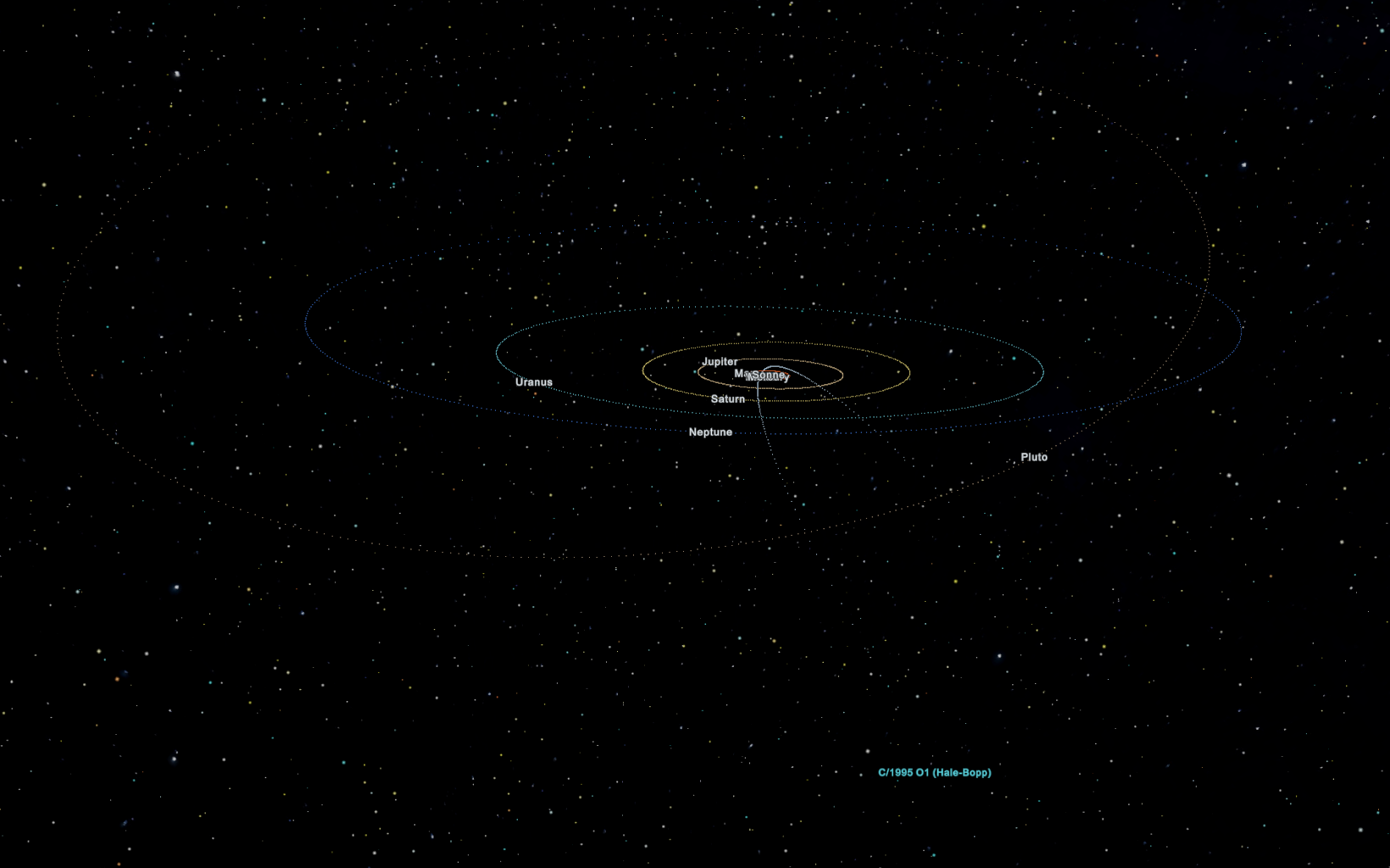
Erleben Sie die Planeten und ihre Monde in einer naturgetreuen 3D-Umgebung. Sorgfältig berechnete Umlaufbahnen und Positionsdaten sorgen dafür, dass Sie die mechanischen Abläufe unseres kosmischen Nachbarschaftsverbunds hautnah nachvollziehen können. Ob Sie gemütlich um die Sonne gleiten oder die Planeten aus der Nähe betrachten – die freie Kamerasteuerung gibt Ihnen die vollständige Kontrolle über Ihre Reise durch den Raum.
Unendliche Weiten: Zigtausende Kleinkörper & Kometen
Was dieses Programm zu etwas ganz Besonderem macht, ist seine Dynamik und Erweiterbarkeit: Neben den großen Planeten und Monden erwachen auch die oft übersehenen Wanderer des Alls zum Leben. Mit Hilfe von standardisierten JSON- bzw. Orbitaldaten, die direkt von der offiziellen Website des Minor Planet Center (MPC) bezogen werden können, lassen sich zigtausende Kometen, Kleinplaneten und Asteroiden in die Simulation laden.
Jedes dieser unzähligen Objekte wird exakt an seiner berechneten Position im Sonnensystem dargestellt. Sie können gezielt ausgewählt und mit der Kamera angesteuert werden, um ihre individuellen Bahnen und Eigenschaften aus nächster Nähe zu studieren.
Offizielle Bahndaten und Updates für Kleinkörper erhalten Sie direkt über das Minor Planet Center (MPC).
Bedienung & Steuerung
Hier findest du eine vollständige Übersicht aller Tastaturkürzel, Kamera-Modi, Mausbefehle sowie visuelle Erklärungen der Bedienfelder: